
Online Screen Recorder
Record your screen, camera, and microphone directly in your browser. No software installation required.
Recording Settings
Preview
Recording preview will appear here
Your Recordings
No recordings yet
Online Screen Recorder Capture Your Screen Instantly
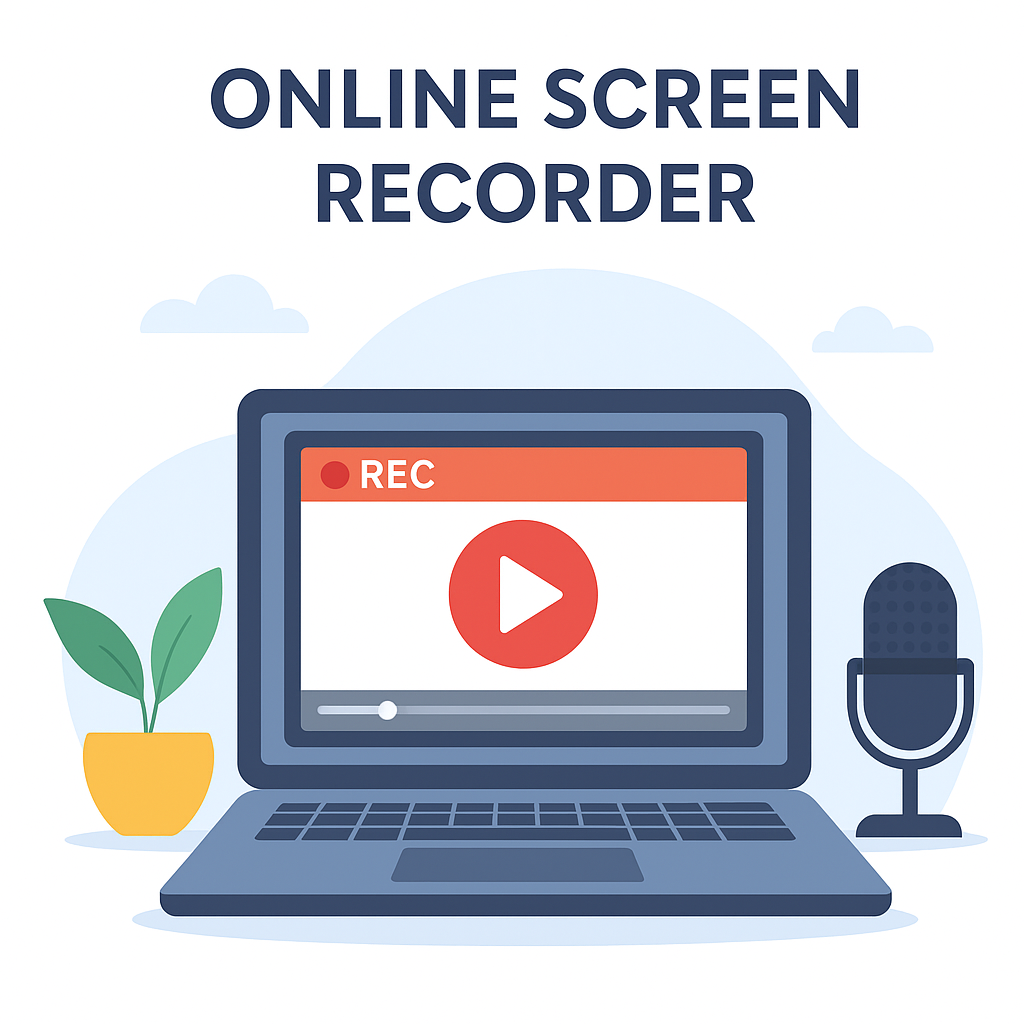
An online screen recorder is the easiest way to record your screen without installing any software. Whether you want to create tutorials, record presentations, or save video calls, this tool makes it simple. With just a few clicks, you can start recording and share your video with anyone.
Why Use an Online Screen Recorder?
Recording your screen helps you explain ideas more clearly. Teachers can create lessons, gamers can record gameplay, and professionals can save meetings for later review. Because it works directly in your browser, there’s no need to download heavy programs or worry about compatibility issues.
How It Works
Using this tool is simple:
- Click on Start Recording.
- Select the screen or window you want to capture.
- Stop the recording when done and download the video.
You can record your entire screen, a specific tab, or an application window. This makes it perfect for tutorials, walkthroughs, or troubleshooting guides.
Benefits of Online Recording
- No Installation: Works directly in your browser.
- Fast & Secure: Your recordings stay private and safe.
- Free to Use: No sign-ups or hidden fees.
- Flexible: Record full screen, partial screen, or browser tabs.
Frequently Asked Questions
Q1: Do I need to download anything?
No, this online screen recorder works directly in your browser — no downloads needed.
Q2: Is it safe to use?
Yes! Your recordings are processed securely, and you have full control over saving or deleting them.
Q3: Can I record audio too?
Yes, you can choose to record system sound, microphone input, or both.